
|
 Technology & | |
|
|
Technology & | |
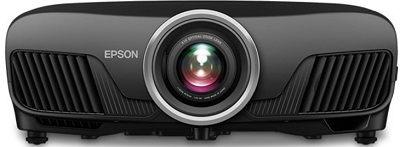
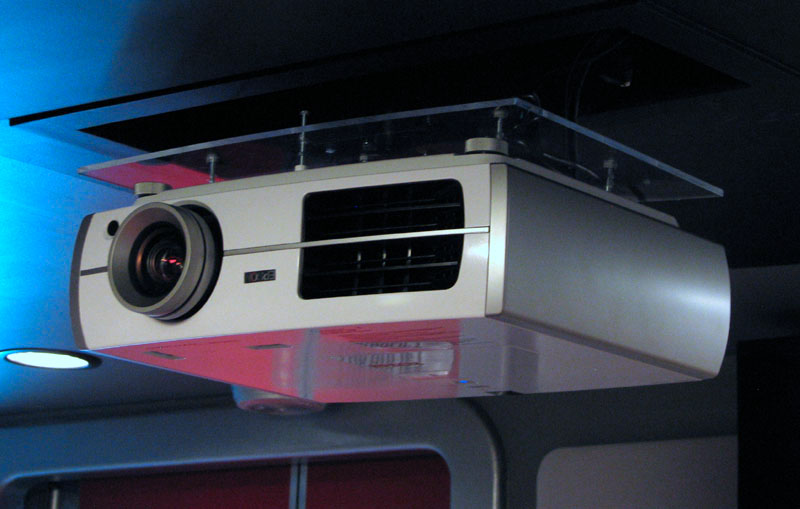
Photo of the Epson Pro Cinema 4050 mounted inverted on the ceiling.
Previous Projectors:
The theater was upgraded on October 27, 2010 with an Epson Home Cinema 8350 Projector. This Epson is a full HD (1920x1080) 3 LCD unit. This projector cost about 1/3 of the Sony's original purchase price.
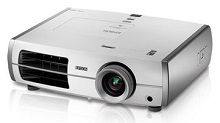
Photo of the Epson 8350 mounted inverted in the theater:
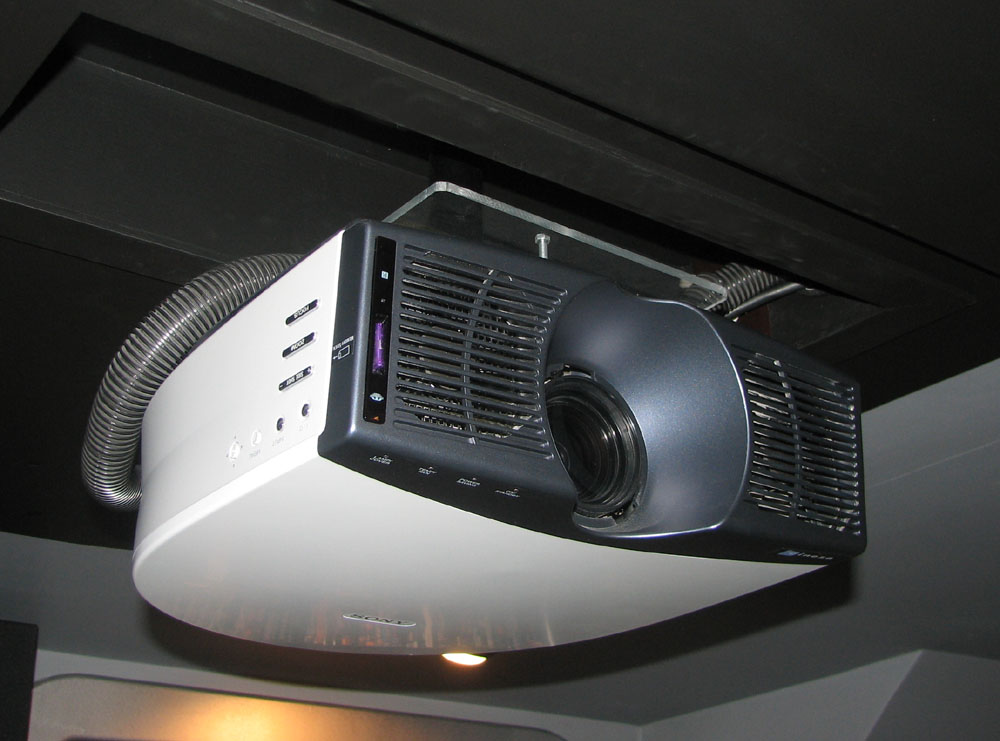
The original projector in the theater was a Sony VPL-HS20 (720P) installed on November 27, 2003.
 Photo of the previous Sony projector mounted inverted in the theater:
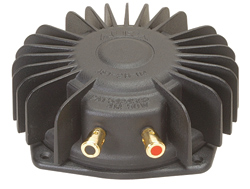
Tactile Transducers:
A Bass Shaker Pro is installed under each of the front row seats to augment the subwoofer. They are powered by a Dayton SA100 100W Subwoofer Amplifier.
HDTV Feed
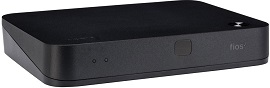
The cable box has been upgraded as of 2020 to a new FiOS TV One system.
Lighting:
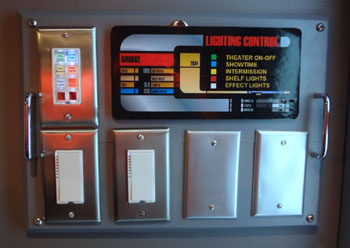
In 2014 I replaced all of the X10-based lighting controls with Insteon-based units. Here is the master lighting control panel which contains 3 of the four control units used in the theater. The fourth control is near the media library for easy access. The Insteon system allows me to program the various dimmers and switches to achieve multiple lighting effects, everything from all lights on to all light off and several combinations in between.
Screen:
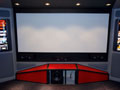
To save money, I have constructed all of the screens myself. I built three different versions, the first, a 100" diagonal 16:9 wooden frame and "blackout cloth" screen; the second, a 102" diagonal 16:9 with an aluminum frame and a matte white vinyl screen; and the third and current screen a 125" diagonal 2.35:1 widescreen (see photo below). For details on the building of the first two screens, visit my DIY Projects Page.
Remote Control
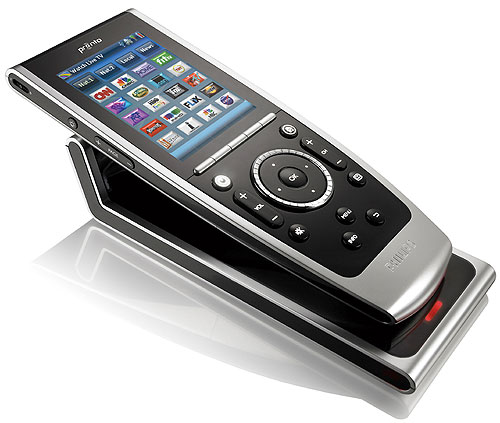
For the theater remote control I chose the Philips Pronto TSU9400 (Philips has since departed the remote control business). This is a color touch screen remote with multiple hard buttons. A key feature is that it can be programmed and the user interface designed using your PC. The benefits to me are that I can put just what buttons I need on the primary screens and leave the others elsewhere. Also, with my aging eyes, I can design the buttons so I can read them without reading glasses, a problem with many other remotes. The hard buttons allow quick access to common functions such as volume, channel, mute, devices, etc. without having to look at the touch screen.
Power Conditioning:
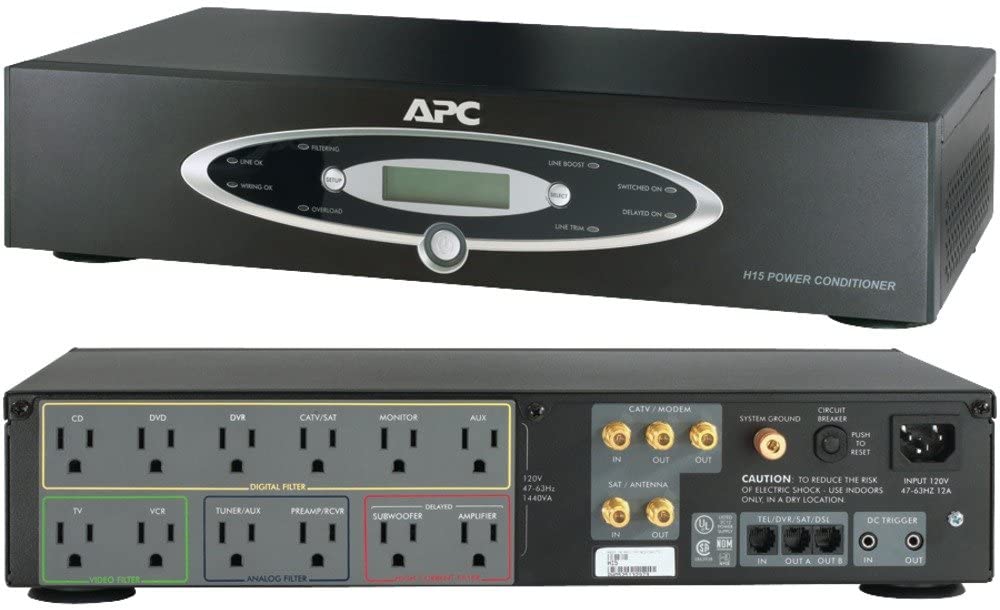
For power conditioning I utilize an APC H15BLK. It provides power to the equipment in the rack as well as the projector.
IR Distribution:
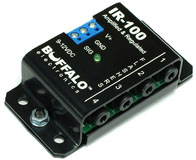
For IR distribution (to get the remote control to work the stereo when the units are located behind and to the side of where you sit) I again chose www.smarthome.com and their IR distribution equipment. It turned out to be relatively inexpensive and provides just the features I was looking for.
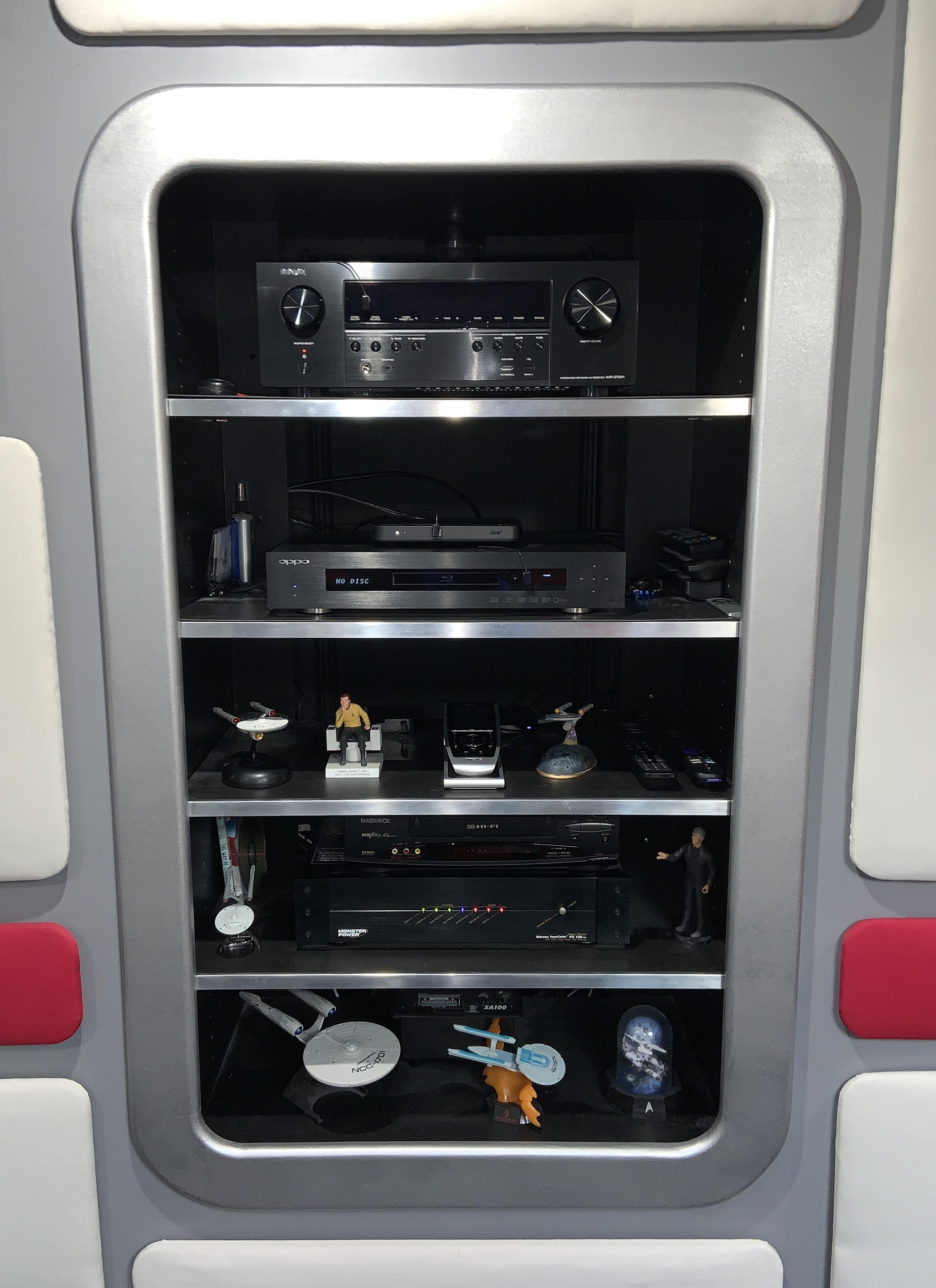
Click on the thumbnail below to see a photo of the above listed equipment on the shelves in the theater as of 2021.
So what does it all look like when it's done? Read on...
BACK
HOME
CONCEPT
DESIGN
BUILD